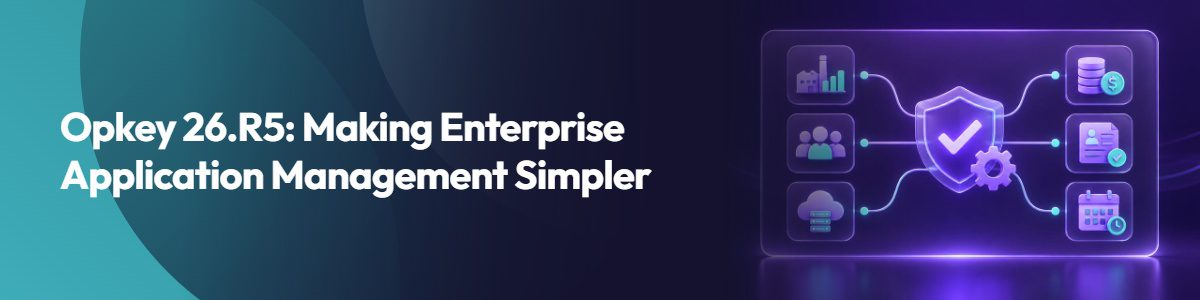
Managing enterprise applications like Workday or Oracle Cloud gets more complex with every release. Frequent updates, interconnected business processes, and constantly changing applications consume weeks of manual effort. With Opkey’s latest release 26.R5, we are trying to make enterprise application management simpler by reducing manual work and eliminating tool-related friction.
We’re doing this through 40+ new features designed to make Opkey itself easier to use and more connected across the entire application lifecycle. Our mission has always been simple: reduce manual effort and accelerate application transformations. This release is evidence of that commitment.
How Opkey 26.R5 Makes Your Work Easier
Spend Less Time Managing Execution
With 26.R5, Opkey handles tasks that previously required manual intervention. Offline agents automatically come back online without your team having to restart them. Execution queues itself and starts without interruption. You can also restrict execution to specific infrastructure, so runs always go to the right place. The result: fewer failed runs, less manual monitoring, and more consistent test execution.
Keep Your Automation Working Through Updates
With Oracle patches or Workday releases, object names change and your automation breaks. Not anymore. Opkey now automatically maps renamed objects at runtime, so your scripts keep working without requiring rework. You also get visual regression testing that automatically catches unintended UI changes after a release. Less time rebuilding scripts. More time testing what actually matters.
Connect Your Testing to Defect Management
Configuration failures are now directly linked to defects in Jira. No more context switching between tools to understand what broke and why. You can also export execution results directly from Opkey instead of manually documenting them. Everything stays in one place, making it easier to trace problems and communicate with your team.
Document Processes the Way They Actually Happen
Stop manually recreating process documentation after this release. Opkey captures processes as your team performs them, including financial workflows and reporting screens. Process documentation becomes part of your normal work, not an extra task.
What Makes Opkey Different
Most platforms treat configuration, testing, training, and release management as separate silos. Opkey integrates them.
Within Opkey, Jira Mapping connects IT teams and QA teams to the same source of truth. Journey Recordings and enhanced User Guides create unified process documentation that testing teams validate, and business teams use. Granular Execution Privileges ensure teams have access they need without duplicating work.
The result: teams managing Workday or Oracle Cloud move from release planning through testing, configuration, and training with better visibility and fewer handoffs.
What Opkey 26.R5 Release Means for Your Team
Testing teams: You get more time to focus on actual testing instead of managing test infrastructure. Scripts work longer after patches and issues surface faster. Execution is more predictable, which means fewer surprises when you’re under deadline.
IT teams: You have clearer visibility into what changed and why it matters. Access control happens automatically, so you’re not constantly approving requests. Configuration problems get connected to actual defects, making it easier to explain what broke and how to fix it.
Business teams: You see process documentation that matches how your team actually works. You can confidently answer “Will this process work after the update?” without digging through test results or technical jargon.
Transformation teams: You’re managing one platform instead of juggling multiple tools. Testing, configuration, training, and release planning all communicate with each other. You have visibility across the entire project instead of managing isolated workstreams.
Opkey also launched the Innovation Lab, letting customers submit ideas, vote on priorities, and influence product decisions. Opkey’s evolution is driven by the teams actually using the platform.
The Bigger Picture
Opkey 26.R5 isn’t just adding features. It’s reducing the operational overhead of managing enterprise applications. Powered by Argus AI, Opkey builds intelligence into the platform, so teams spend less time managing the tool and more time managing their transformations.
A release matters when it makes your work easier. Opkey 26.R5 does exactly that.